Software — HardwareRTD
HardwareRTD
A live instrument reading, in an Excel cell — from anywhere.
Available 1.1.0
HardwareRTD — command line and desktop app
What it does
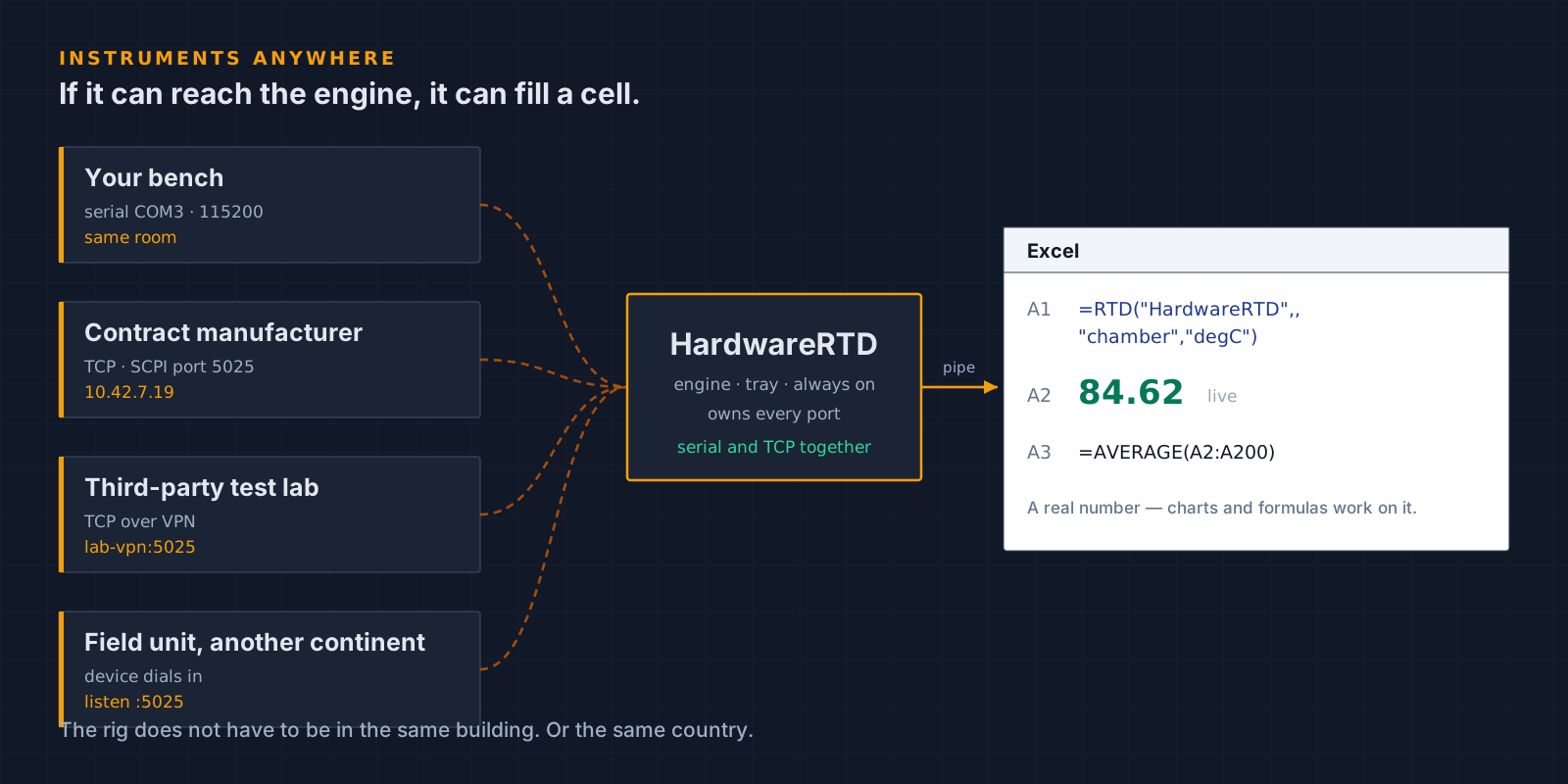
A background engine that owns your serial and TCP ports, and an Excel RTD server so any cell can pull a live value out of it. Values arrive as real numbers, so B1*2 computes and charts and AVERAGE work on them.
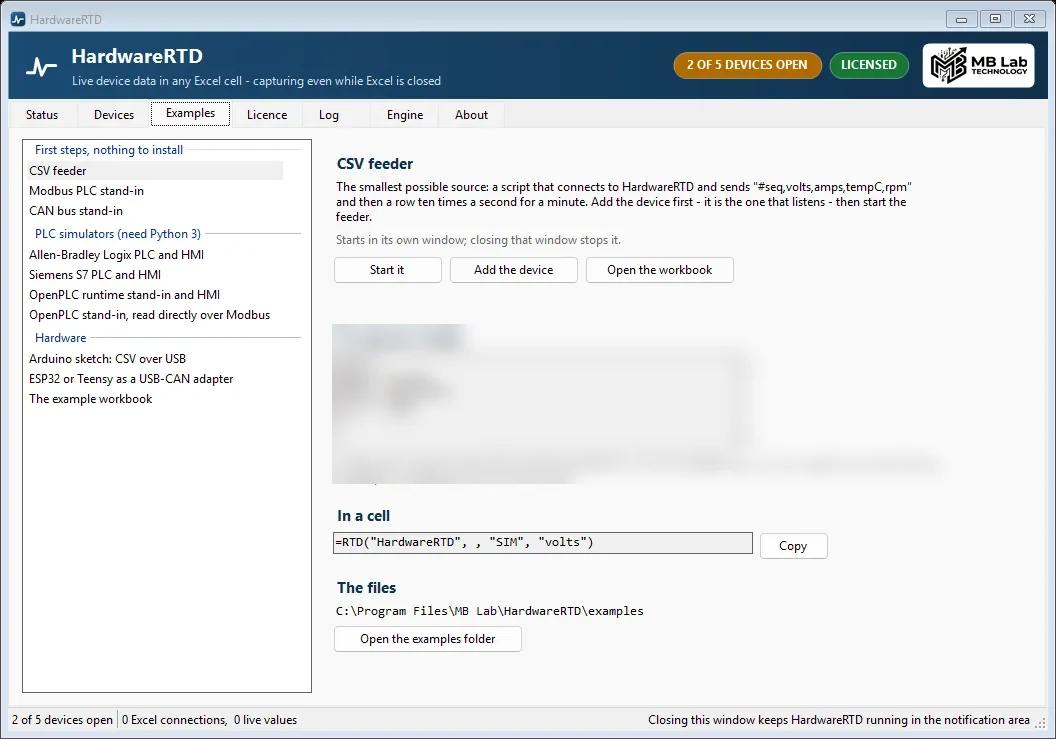
- =RTD("HardwareRTD", , "CAN", "RPM") - any cell, any tag
- One tray engine owns the ports; Excel never holds a COM port open
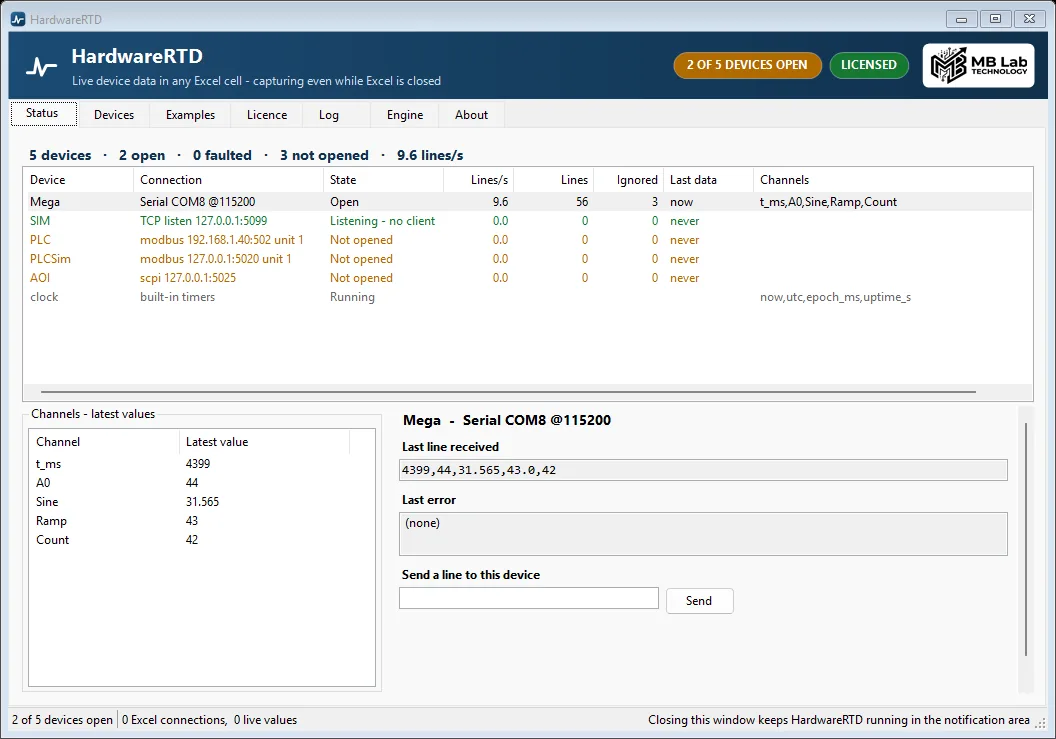
- Serial, TCP out and TCP listen, Modbus TCP and RTU, SCPI, CAN and built-in timers - all at the same time, on one engine
- Two-way on all of them: a device can be written to as well as read, per device, and only when Allow writes is ticked - a PLC is not a spreadsheet's to move without being told
- CAN frames from an SLCAN adapter, decoded against a DBC file
- Any instrument the engine can reach over TCP — the bench, a line PC at your contract manufacturer, a chamber at a third-party lab, a unit in the field on another continent
- Values land as real numbers, not text
- Works with the MbLabScpi Arduino library out of the box
On video
One recording of it actually running.
A screenshot of a program that moves is only half of it, so here it is moving. Recorded off the screen, with a real Arduino on COM8 sending into the engine and the engine answering Excel. Every number in the sheet is a live value, not a sample file. Nothing plays until you press it.
Get in touch
Requirements
- Windows 10 or 11, 64-bit
- About 200 MB of disk
- No .NET install needed — the runtime is bundled
- No Excel needed — workbooks are written directly
Also in the set